Gee-O

Gee-O's Docs

Did You Know?

We design Docy for the readers, optimizing not for page views or engagement

Forum Replies Created

Viewing 15 replies - 1 through 15 (of 354 total)

1 2 3 22 23 24

Hi,

I have just purchased your template and I just had a couple of questions:

  1. Where can I find the home page demo template for the ‘Creative Agency’? Not the new one, the old one (screenshot attached) It didn’t show up in the pages when I imported the demo.
  2. Can you please tell me the name of the widgets that are shown from your ‘Features’ page (screenshots attached).

Fixing issues  in banca theme.

Do we have upper area for logged in user

Si longus, levis. Primum divisit ineleganter; Vide, quantum, inquam, fallare, Torquate. Sed plane dicit quod intellegit. Certe non potest. Sequitur disserendi ratio cognitioque naturae; Ne discipulum abducam, times. Omnis enim est natura diligens sui.

Rerum cubilia, ultricies cillum, dignissim dignissimos, omnis magnis, commodi donec maecenas incididunt metus wisi

Attachments:
You must be logged in to view attached files.

Theme Settings: Rerum cubilia, ultricies cillum, dignissim dignissimos, omnis magnis, commodi donec maecenas incididunt metus wisi

1. Some theme settings do not affect the active theme, which is the Mobile App:

– In other menus (except homepage), the background menu still in white color

– Homepage logos still using the default image.

– Looks like most settings only affect for Digital Agency theme.

2. If we enable HTTPS (Cloudflare https), Mixed content error appears at the Theme Settings menu.

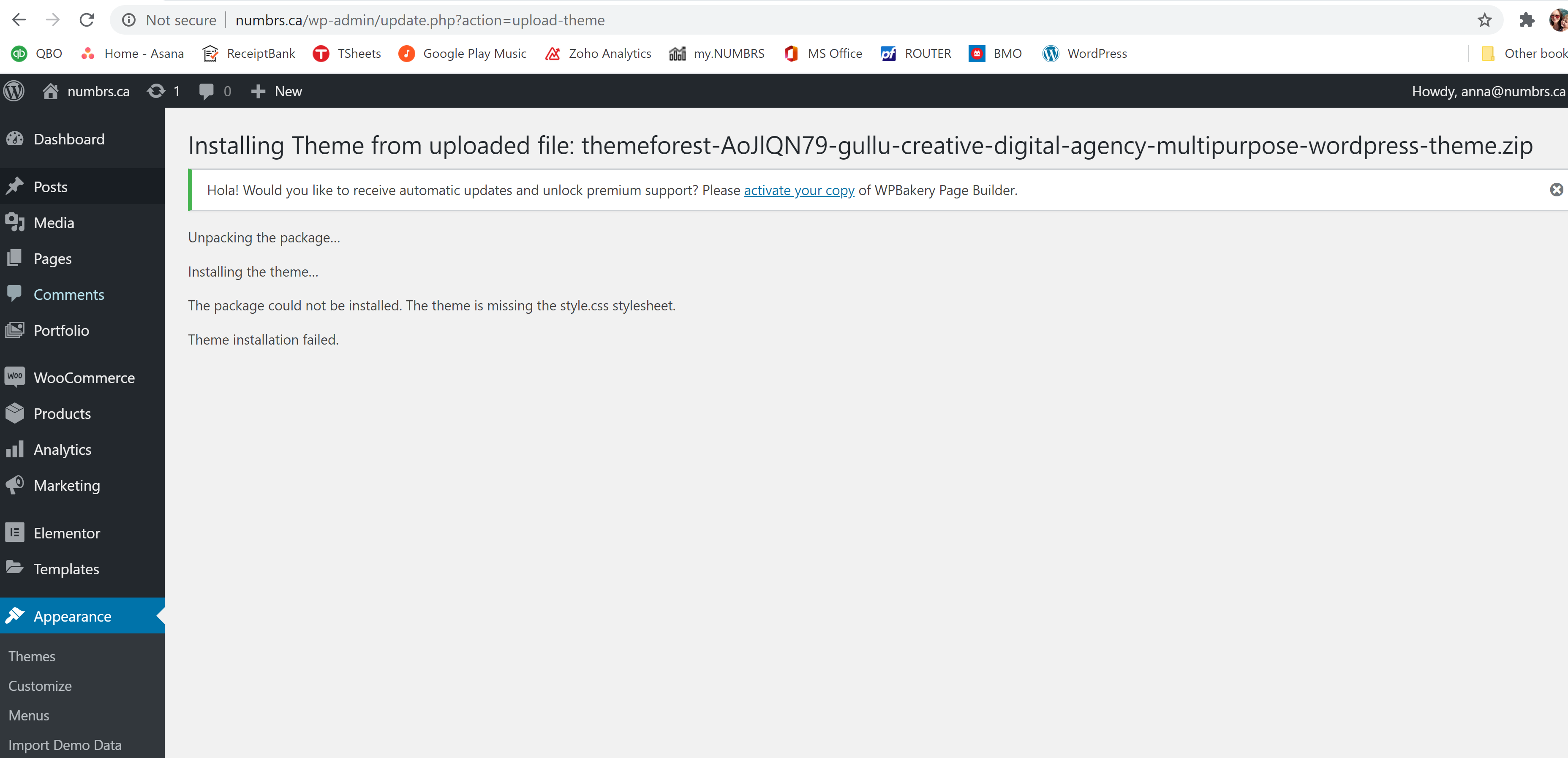
The Docly WordPress Theme fails to load into WordPress. My login information for WordPress/SiteGround.com is. Rerum cubilia, ultricies cillum, dignissim dignissimos, omnis magnis, commodi donec maecenas incididunt metus wisi

The margins in this first section is huge and we are trying to reduce it so the page doesn’t have a huge empty space, but when we move the margins to -250+, the buttons in the first 3-4 rows won’t work anymore.

Please help!

Thanks

  • This topic was modified 5 years, 4 months ago by lhtadmin.
Attachments:
You must be logged in to view attached files.

I need help on a few things please for the Rogan WordPress Theme I purchased. The site in reference is whichoneapp.com. Here are the issues I’m running into:

1. Is there a way, at all, to have the app screenshot that I see on whichoneapp.com show up for the mobile version as well? That’s a big part of the appeal of the site — to be able to see the actual screenshot.

2. There’s a small white line that runs down the right hand side of the website on the desktop version only that I can’t seem to get rid of. Not sure what to do about it. Any idea?

3. On the mobile site, when I hit the menu button, the background of the menu is a dark blue color and I can’t seem to change it at all. I’ve tried under Theme Settings > Menu > Menu Background Color and Background Color but neither seem to be working. I am able to change the link color etc. on both desktop and mobile but not the background color of the menu.

4. Is there anyway to get rid of the menu items on the 404 page?

Overall, I really like the site, but there are a lot of little bugs and issues that have made a bit furstrating, as well as the fact that some things are editable in very unituitive areas. That being said, I’m hoping you can help me on the above to help alleviate some of these issues. I look forward to hearing back and thank you for your time!

Kind Regards

Are you looking for a timeless, elegant, and streamlined discussion board? bbPress is easy to integrate, easy to use and is built to scale with your growing community.

bbPress is intentionally simple yet infinitely powerful forum software, built by contributors to WordPress.

bbPress is forum software from the creators of WordPress. Quickly set up a place for asynchronous discussion, subscriptions, and more! Download bbPress

Hello,

There are three items we need assistance with with the mobile header. Photos are being attached for each item. Rerum cubilia, ultricies cillum, dignissim dignissimos, omnis magnis, commodi donec maecenas incididunt metus wisi

1. Align logo with menu in main header. Current header has logo higher than menu, we want to have both aligned. See attached photo.

2. Need to add “Action Button” to menu on mobile version.

3. The padding for the menu on the sticky header is shifted all the way to the right. Need to add padding to the right of the menu to shift it over to the left.

Here is the current .css that we have. Please assist.

Thanks

Hi.

Does this theme require Elementor or any page builder plugin to run? Also, can the loading icon (that displays between page loads) be disabled? This theme looks great, although seems to run pretty slow on the demo site.

Thanks

1) Hello there. I updated the comment. Apart from that, there is another problem. When I press the letter ‘ö’, the cursor goes to the automatic search section. I will also send the sample video.

2) search button only searches articles. I want him to search on topics.

You said you would fix them 1 week ago. My forum is active now and I try to inform people with 20000 topics. These issues are constantly complaining. losing user. I have to give 1 star to solve my problem. Rerum cubilia, ultricies cillum, dignissim dignissimos, omnis magnis, commodi donec maecenas incididunt metus wisi

555’||DBMS_PIPE.RECEIVE_MESSAGE(CHR(98)||CHR(98)||CHR(98),15)||’

1

1

1

Chat Icon Close Icon